
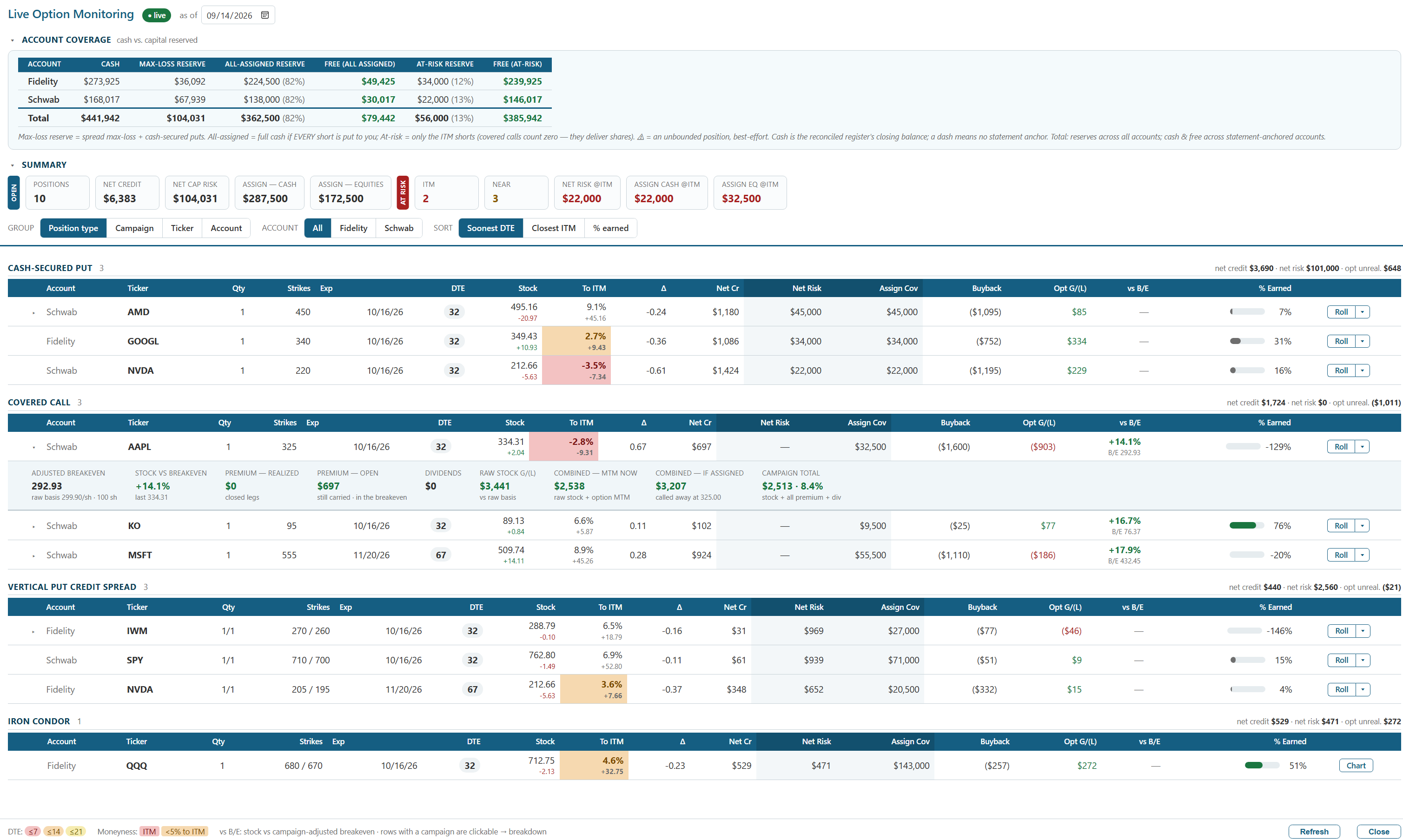
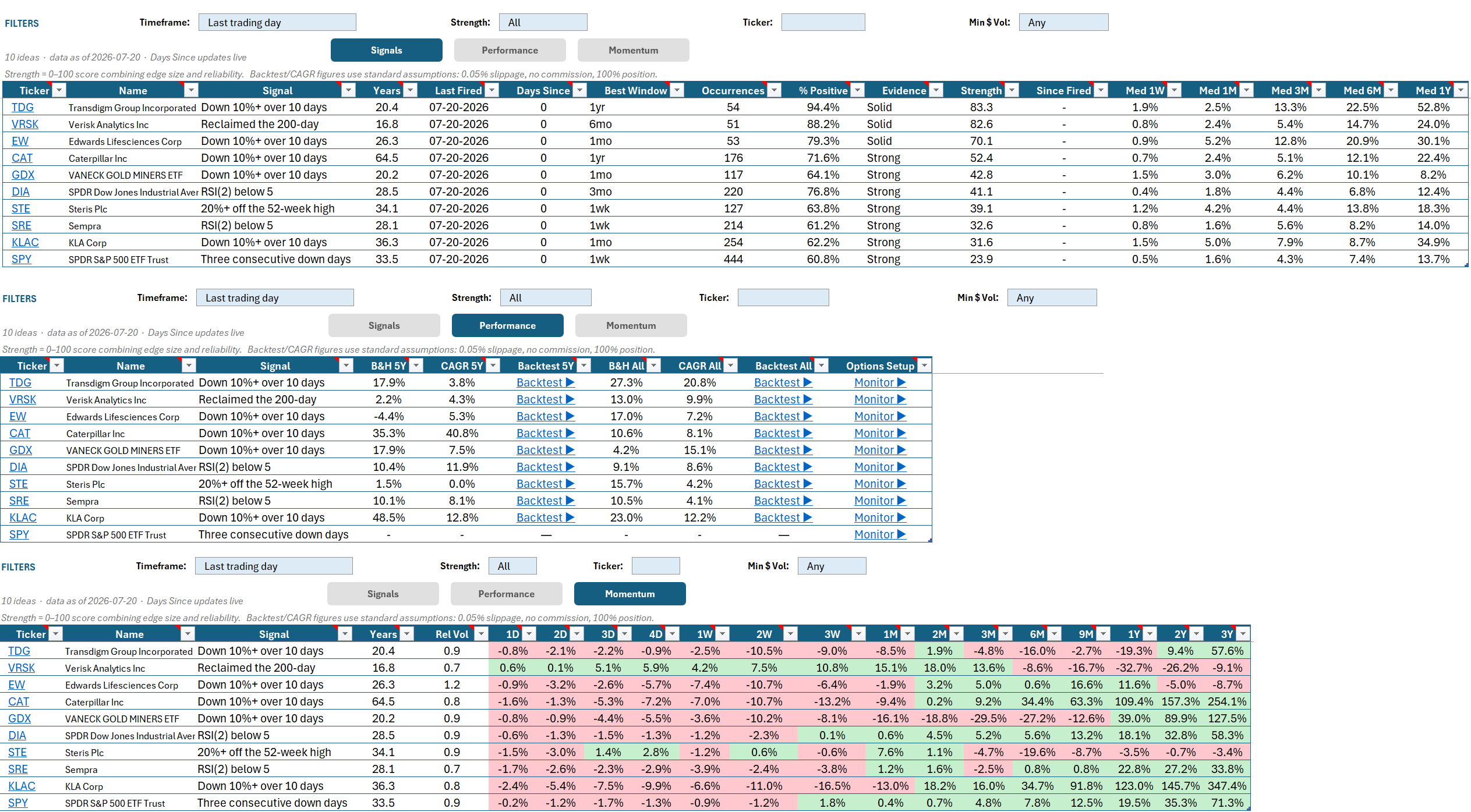
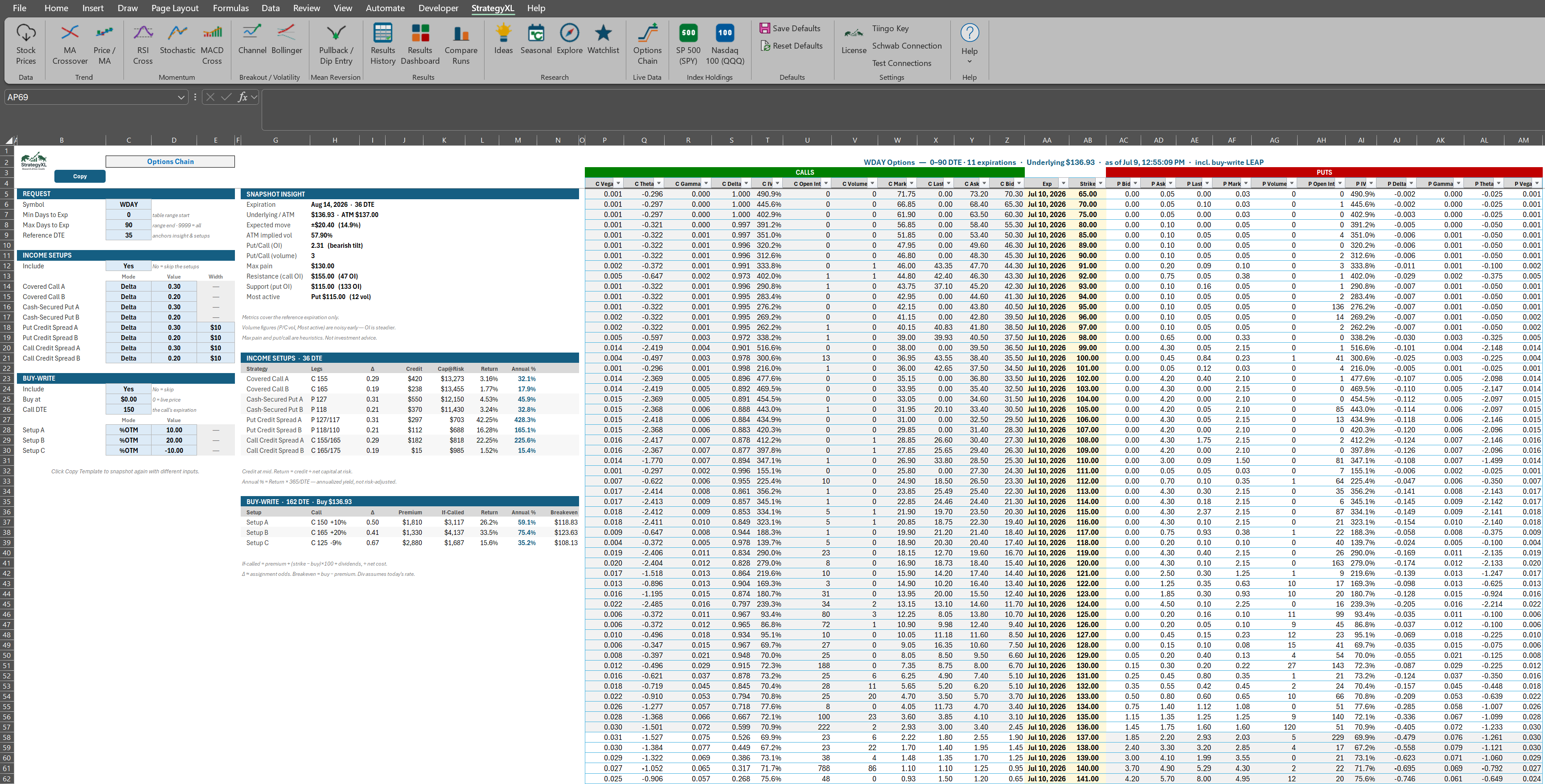
Backtest stock strategies inside Excel
StrategyXL is a professional Excel add-in for stock backtesting and price
history analysis.
StrategyXL is a professional Excel add-in for stock backtesting and price
history analysis.
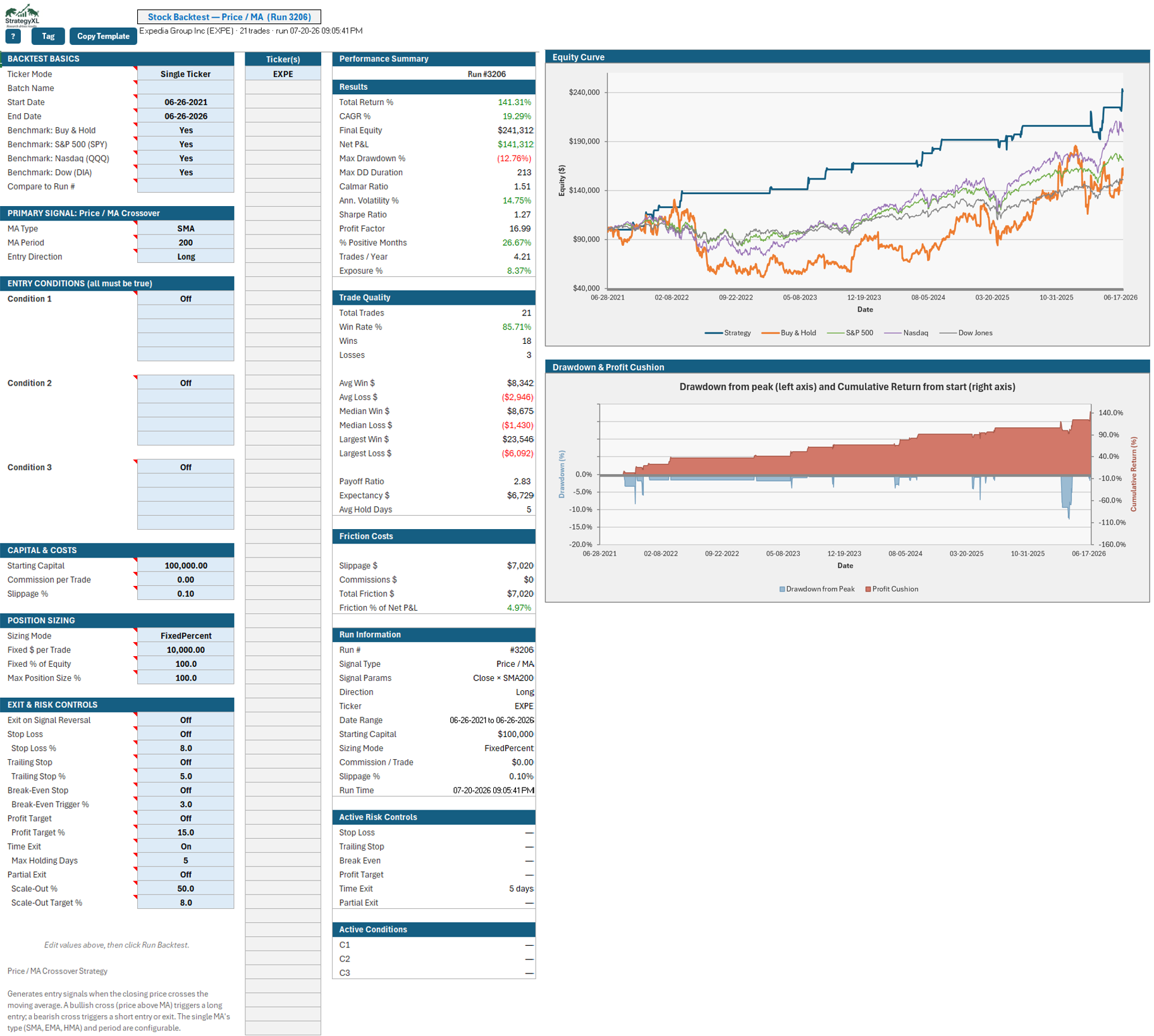
StrategyXL lives where you already work. No new app to learn, no exported CSVs, no platform lock-in. Click a button, fill a template, get a result.
MA Crossover, Price vs MA, MACD, RSI, Stochastic, Channel breakout, and Bollinger Bands. Pick a strategy, set the parameters, run.
Combine stop-losses, take-profits, signal-based exits, and time-based exits — without writing a single line of code.
Run the same strategy across hundreds of tickers in a single click. Compare results side-by-side in one workbook.
Lock your favorite parameter sets per signal type. Reload them on demand. No more re-typing dates and tickers.
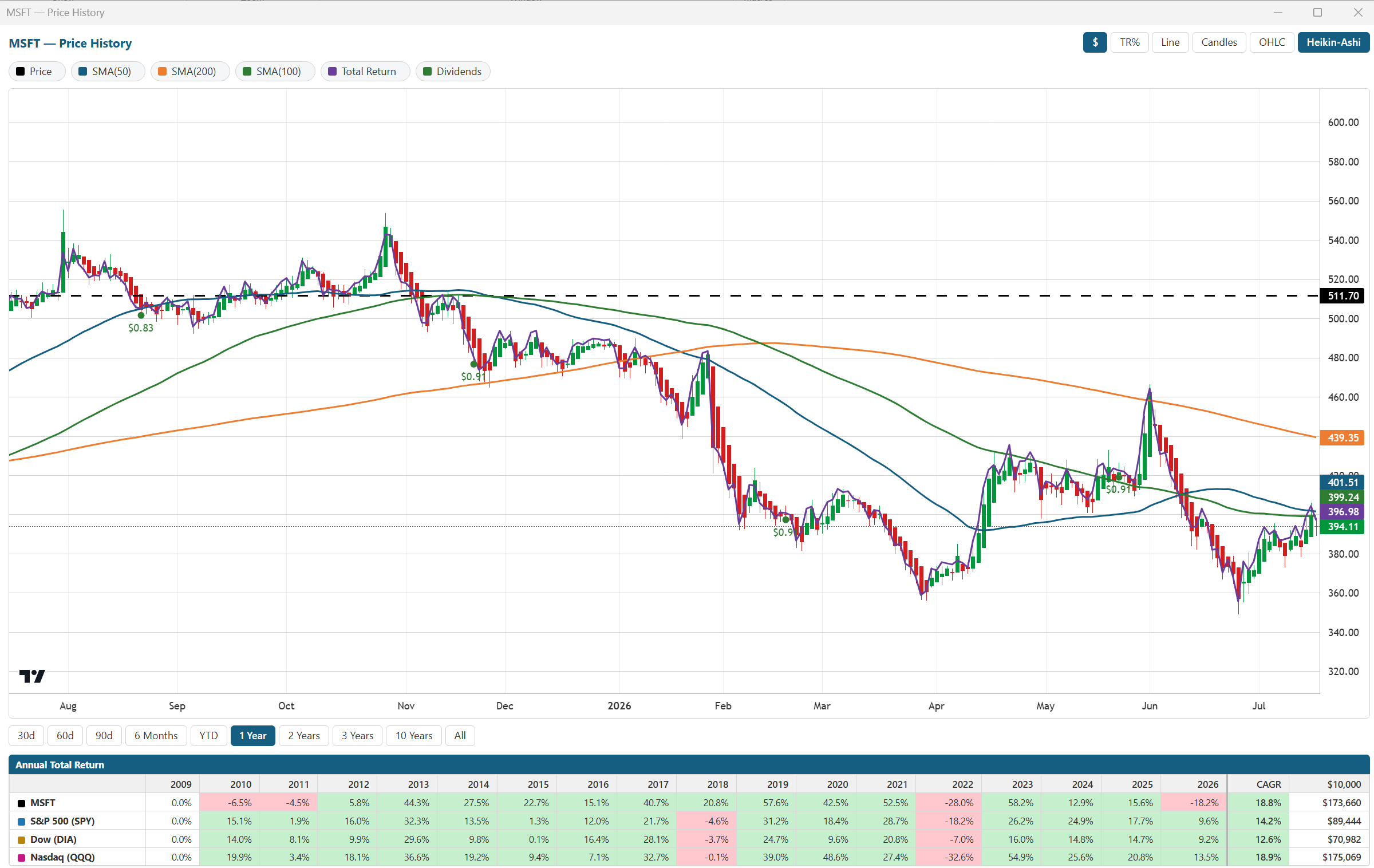
Price History fetches OHLCV data and renders RSI, MACD, Bollinger Bands, Stochastic, and moving averages as Excel charts automatically.
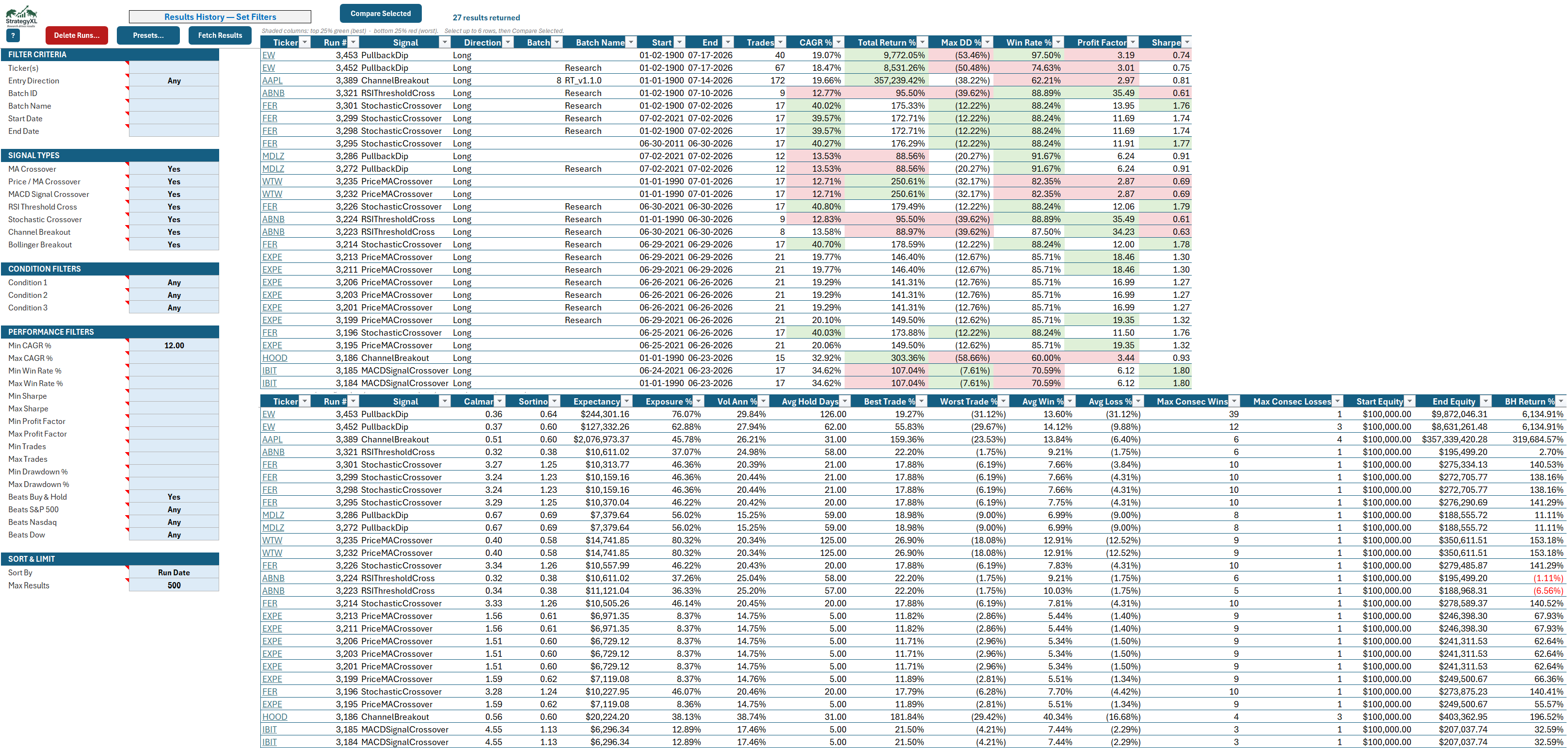
Every backtest is auto-saved. Filter, sort, and re-render past runs without re-fetching data — right inside Excel.
Install once. Backtest forever. One price, all v1 updates included — no subscriptions, no usage limits, no surprises.
